Overview
The Utility Works page allows users to manage utility infrastructure projects by tracking current, urgent, and finished works. Users can view details, search for specific projects, and access related orders or locating requests.
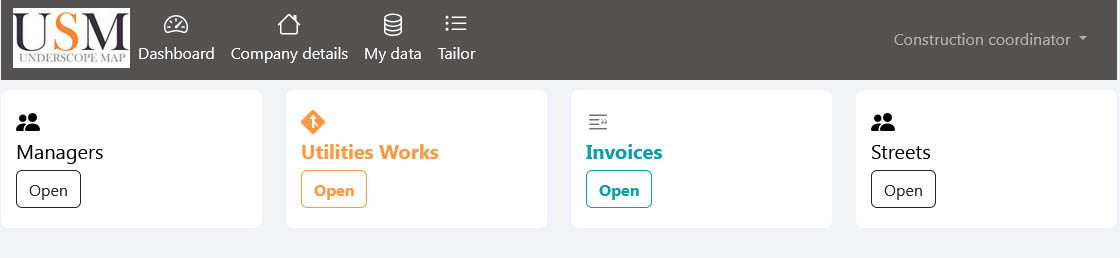
Click the My data at top navigation menu (Picture 1)

Picture 1 - Top navigation menu
2. Click the Utilities works panel to show list all utilities infrastructure works. (Picture 2)
Picture 2 - Utilities construction data dashboard
Utility works list (Picture 3)
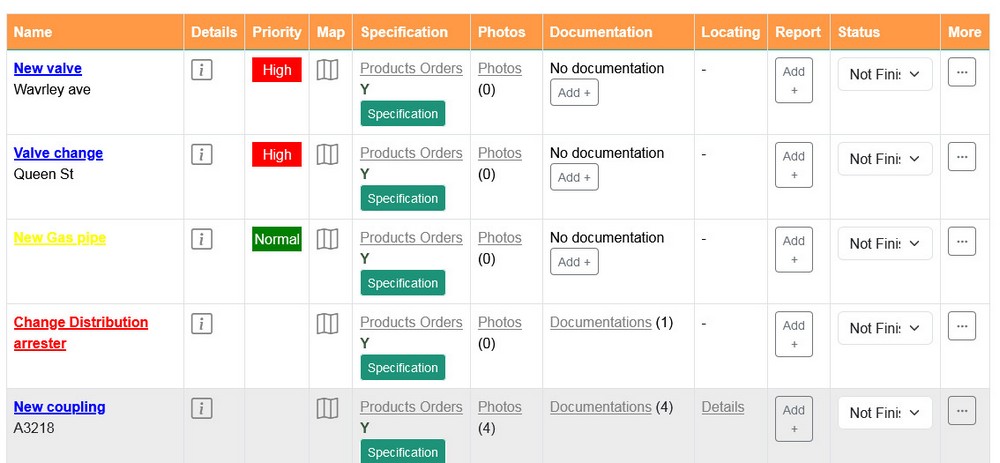
- Work name and utility type: Bellow work name there is a line which color depends of utility type
- Details : Click on i and popup will show all details about work (Picture 5)
- Products order: is list of products ordered for selected work. Click on "Details" or "Full View" in the View column to see the order specifications. On that page you can see all products, quantities, prices ..
More about work specification see on the link Product specification - Photos: List of work photos
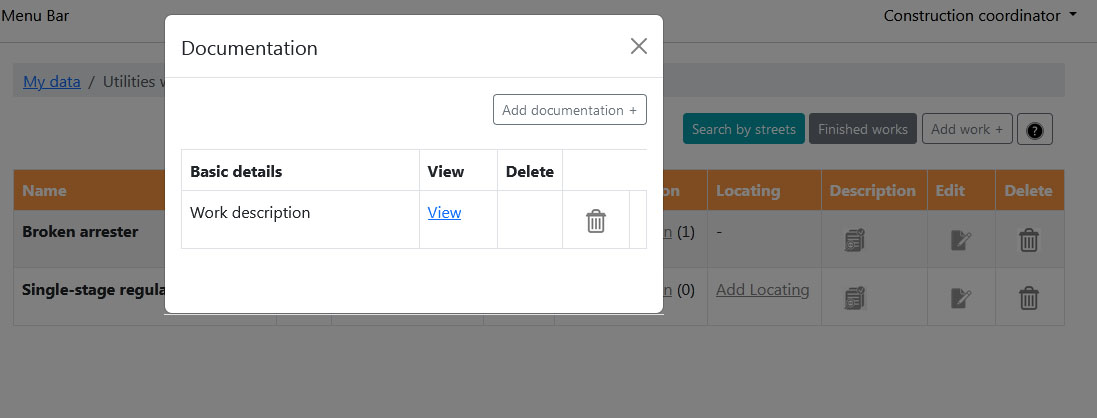
- Documentation: Popup window with work documentation (Picture 6)
- Map icon : Click on map to see work location (Picture 4).
- Locating ticket: If work need underground utility locating examination all details you can add and see by clicking Add locating link
- Finsh: In select box click on finish to set work as finished. f there is something more to do again just select unfinished
- More: To Edit / Delete work click on button More
Picture 3
Woek location on map: (Picture 4)
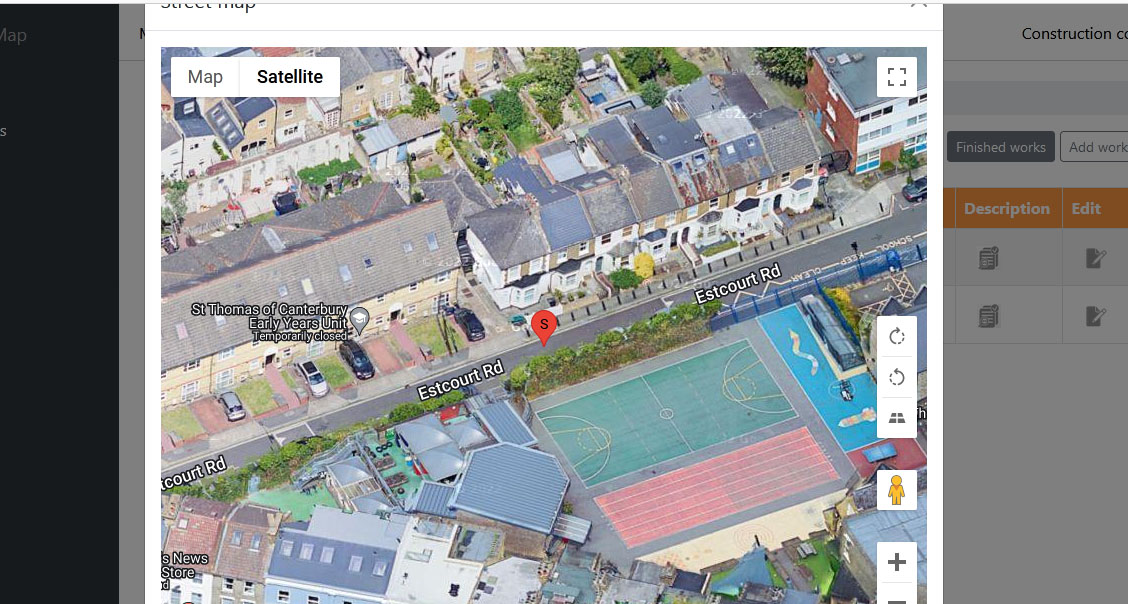
Picture 4 - Location of work< on map
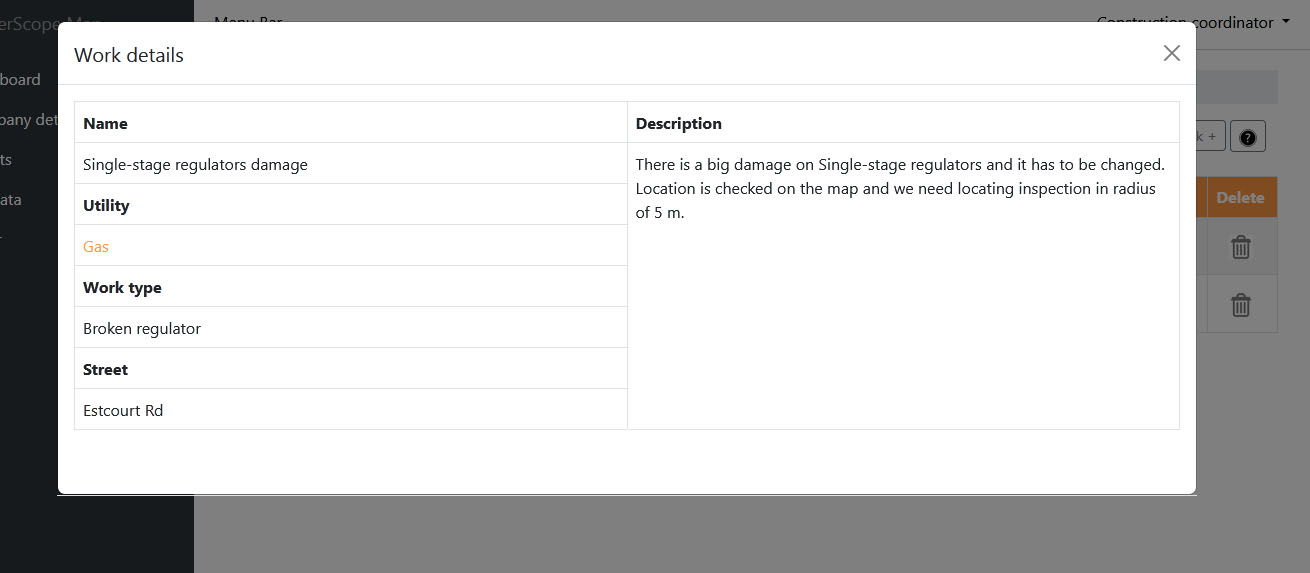
Work details: (Picture 5)
Work details included: Work name, Utility type, Work type, Street and Work description
Work details included: Work name, Utility type, Work type, Street and Work description
Picture 5 - Work details
Work documentation: (Picture 6)
By clicking Documentation it will shows popup window with list of all work documentation
By clicking Add Documentation + you will see form where you can add new work document. More about how to add new work document
By clicking move document from the work document list
By clicking Documentation it will shows popup window with list of all work documentation
By clicking Add Documentation + you will see form where you can add new work document. More about how to add new work document
By clicking
move document from the work document list
Picture 6- Work documentation
Products order(Picture 7)
A popup will appear, showing
- Order ID
- Date
- Delivery Method
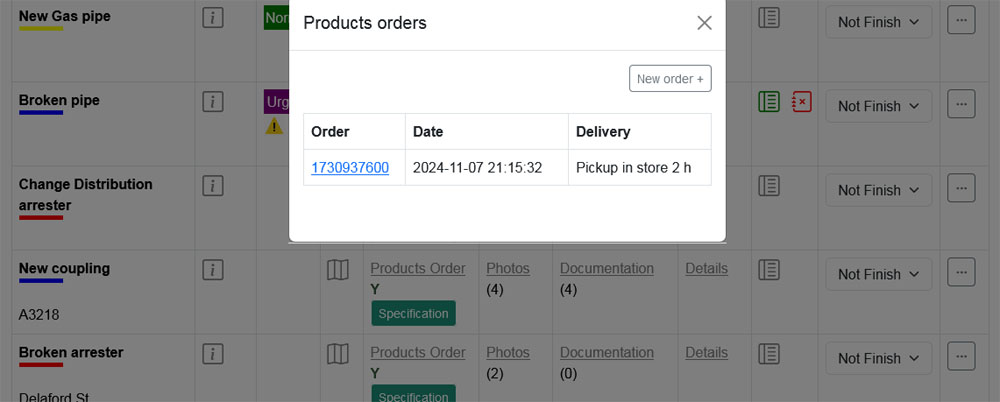
Picture 7