Data Management software
designed for the utility industry
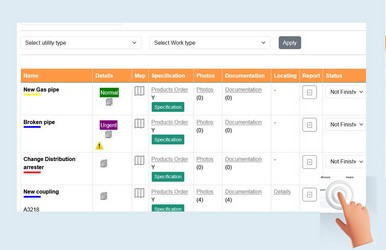
Track utility lines, accessories, and inspection records.
Works include installations, upgrades, inspections, and replacements to ensure the proper functioning of utility networks
The system tracks damage reports, records their location and severity.
Manage field conditions and failure reports in real time.
Access a full history of works and damages.
Make order products for any kind of work or damage.
► Electricity
► Water
► Natural gas
► Petroleum
► Phone
► Telecommunication
► Sewer Drainage lines
► Signal lines, alarm or conduit lighting cables
► Fibre optic cables
► Sewage and drain lines
► Reclaimed water, irrigation, and slurry
► Other gaseous or flammable material
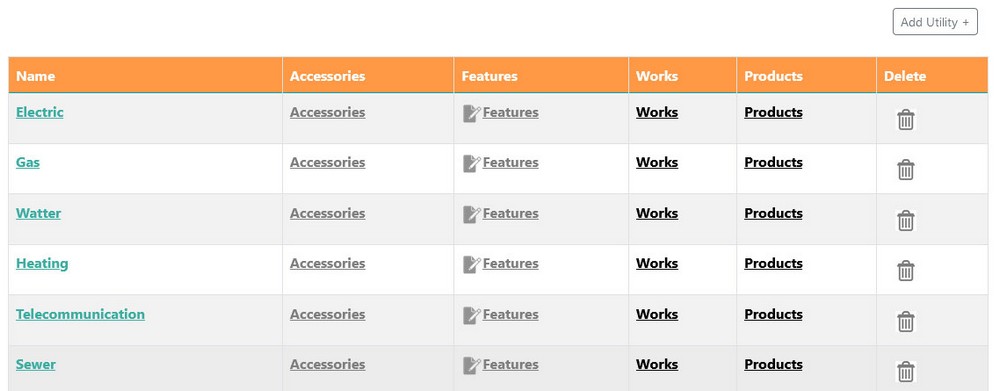
Settings of all utilities types with accessories, features, works and damages types ...
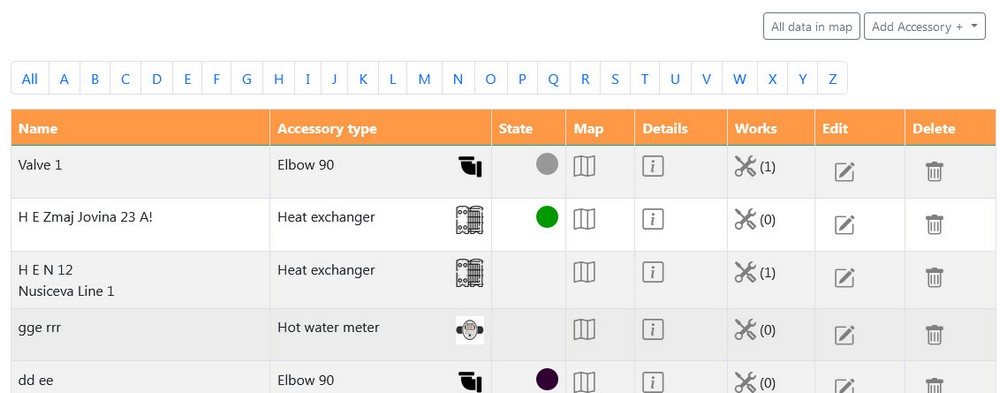
Accessories can be listed by selected utility, by types or all accessories.

Features are related for pipelines and cables.
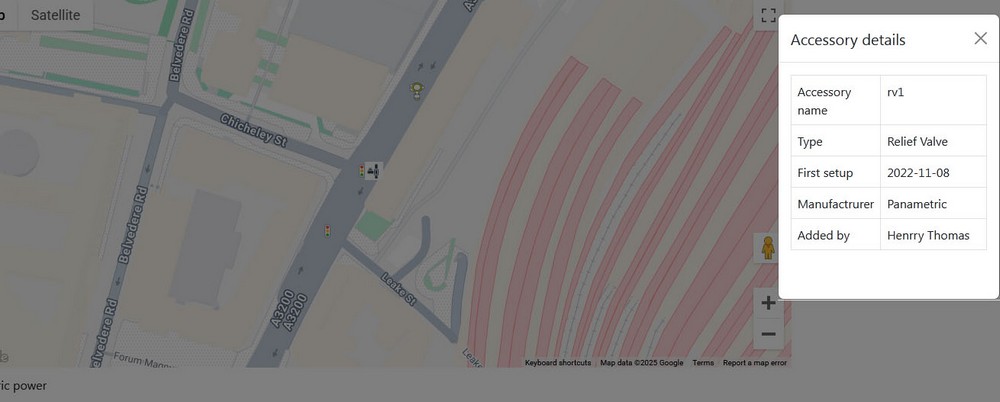
Visual overview of all lines, accessories, features.